Linear Vs Clickup: Ultimate Comparison for Project Success
Choosing the right project management tool can make or break your team’s productivity. If you’re torn between Linear and ClickUp, you’re not alone.
Both promise to streamline your workflows and keep your projects on track, but which one truly fits your needs? What if you could have a single platform that not only handles tasks but also brings your entire team together with perfect context, saving you time and money? That’s where ClickUp steps in, offering an all-in-one Work Operating System designed to replace multiple apps and simplify your work life. Ready to find out how ClickUp stacks up against Linear and why it might be the game-changer your team needs? Dive in and discover the key differences that can boost your productivity today. Explore ClickUp here: ClickUp – All-In-One Work OS
.png)
Credit: pesto.tech
Introduction To Linear And Clickup
Choosing the right project management tool boosts team efficiency and project success. Linear and ClickUp are popular options with distinct strengths. Understanding their core features helps teams decide which fits their workflow best.
Overview Of Linear: Purpose And Core Functionality
Linear is built mainly for software development teams. It focuses on issue tracking, bug reporting, and sprint planning. The tool is designed to speed up software delivery with a clean, fast interface.
- Simple and intuitive issue tracking
- Supports agile workflows like sprints and backlogs
- Integrates with GitHub and other developer tools
- Prioritizes speed and minimalism for developer productivity
Linear is ideal for engineering teams needing a focused, lean platform. Its core strength lies in managing software projects efficiently.
Overview Of Clickup: Purpose And Core Functionality
ClickUp is a versatile Work Operating System (Work OS) that covers wide project management needs. It serves small to medium tech teams with extensive customization and integration options.
| Feature | Description |
|---|---|
| Task Management | Detailed task creation, assignment, and tracking |
| Time Tracking | Built-in tools to monitor time spent on tasks |
| Gantt Charts | Visualize project timelines and dependencies |
| Workflow Customization | Create custom workflows tailored to team needs |
| Integrations | Connect with tools like Linear, GitHub, Jenkins |
ClickUp unifies project management and engineering delivery. It supports real-time collaboration and adapts to diverse workflows.
Why Compare Linear Vs Clickup For Project Success?
Both tools aim to improve project delivery but suit different team needs. Linear excels in streamlined software development tracking. ClickUp offers broader project and team management capabilities.
- Project Focus: Linear targets agile software teams; ClickUp serves multiple departments.
- Feature Set: ClickUp provides more customization and integrations.
- User Experience: Linear is minimal and fast; ClickUp is feature-rich but may feel complex.
- Collaboration: ClickUp enhances cross-team communication and context sharing.
Comparing these tools helps teams choose software that fits their goals and workflow style.
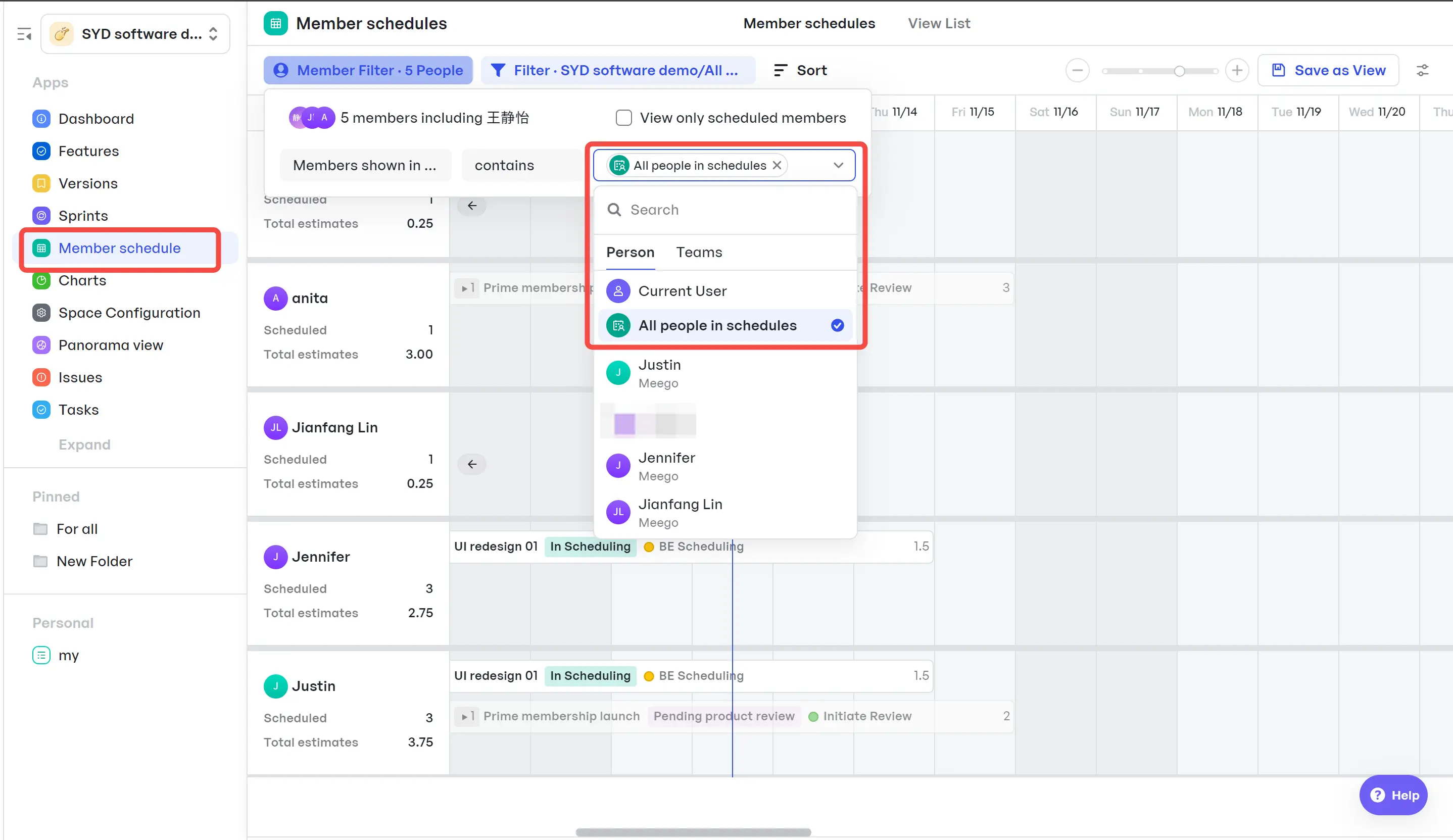
Credit: www.meegle.com
Key Features Of Linear
Linear offers essential tools tailored for software development teams. It focuses on speed, simplicity, and efficiency. The platform streamlines issue tracking and supports agile workflows. Developers benefit from a clean interface that reduces distractions. Integration with popular development tools keeps work connected and smooth.
Streamlined Issue Tracking: Enhancing Developer Productivity
Linear provides a powerful issue tracking system designed to keep developers focused. Issues are easy to create, update, and organize. The system supports:
- Quick issue creation using keyboard shortcuts
- Automatic issue numbering for easy reference
- Bulk editing to update multiple issues at once
- Customizable issue statuses to match team processes
This streamlined tracking reduces time spent on managing tasks. Developers spend more time coding and less time on administrative work.
Built-in Agile Workflow Support: Simplifying Sprint Management
Linear integrates agile methodologies directly into its platform. Teams can create and manage sprints with ease. Key features include:
- Planning boards that visualize tasks by sprint
- Automatic sprint cycles with clear start and end dates
- Velocity tracking to measure team performance
- Backlog prioritization to keep focus on important work
These features help teams stay organized and meet deadlines. Agile workflows feel natural and reduce complexity.
Fast And Minimalist User Interface: Reducing Task Management Overhead
Linear’s interface is clean and minimal. It loads quickly and responds instantly. Benefits include:
| Feature | Benefit |
|---|---|
| Keyboard-driven navigation | Speeds up task switching and reduces mouse usage |
| Minimal visual clutter | Improves focus and reduces distractions |
| Fast load times | Enhances user experience, especially for remote teams |
The UI design helps teams manage tasks without overhead. Users feel more productive and less overwhelmed.
Integration Capabilities: Connecting Development Tools Seamlessly
Linear connects well with popular developer tools to keep workflows smooth. Supported integrations include:
- GitHub for linking pull requests and commits to issues
- Slack for real-time notifications
- Figma to attach design files directly to tasks
- Zapier for custom automation across apps
These integrations reduce context switching. Teams spend less time updating multiple platforms. Work stays in sync across tools.
Key Features Of Clickup
Choosing the right project management tool impacts team efficiency and project outcomes. Both Linear and ClickUp offer unique strengths for managing workflows and tasks. Understanding their differences helps select the best fit for your team’s needs.
Summarizing Key Differences And Strengths
| Feature | Linear | ClickUp |
|---|---|---|
| Primary Focus | Streamlined issue tracking and software development | All-in-one Work Operating System for project and task management |
| Task Management | Simple, fast issue handling | Extensive task features with customizable workflows |
| Time Tracking | Limited or via integrations | Built-in time tracking tools |
| Project Visualization | Basic boards and lists | Gantt charts and multiple views |
| Integrations | Supports GitHub, Slack, ClickUp | Wide range including Linear, GitHub, Jenkins |
| User Experience | Fast, minimalistic interface | Modern and flexible but may have some performance issues |
ClickUp suits teams needing broad project control and customization. Linear fits teams seeking speed and simplicity in issue tracking.
Final Thoughts On Selecting Linear Or Clickup
Consider team size, project complexity, and workflow needs before deciding.
For smaller tech teams wanting a focused tool, Linear offers speed and ease.
For teams requiring a unified platform with many features, ClickUp provides more options.
Evaluate your team’s priorities: task depth, time tracking, and integration needs.
Next Steps: Trial, Implementation, And Adoption Tips
- Start with a free trial to explore each tool’s interface and features.
- Involve your team in testing to gather feedback on usability.
- Plan a phased rollout to avoid disruption during transition.
- Train users on key features and best practices for consistency.
- Use integrations to connect your existing tools and automate workflows.
- Monitor adoption and adjust settings based on team feedback.
Following these steps supports smooth implementation and maximizes project success.
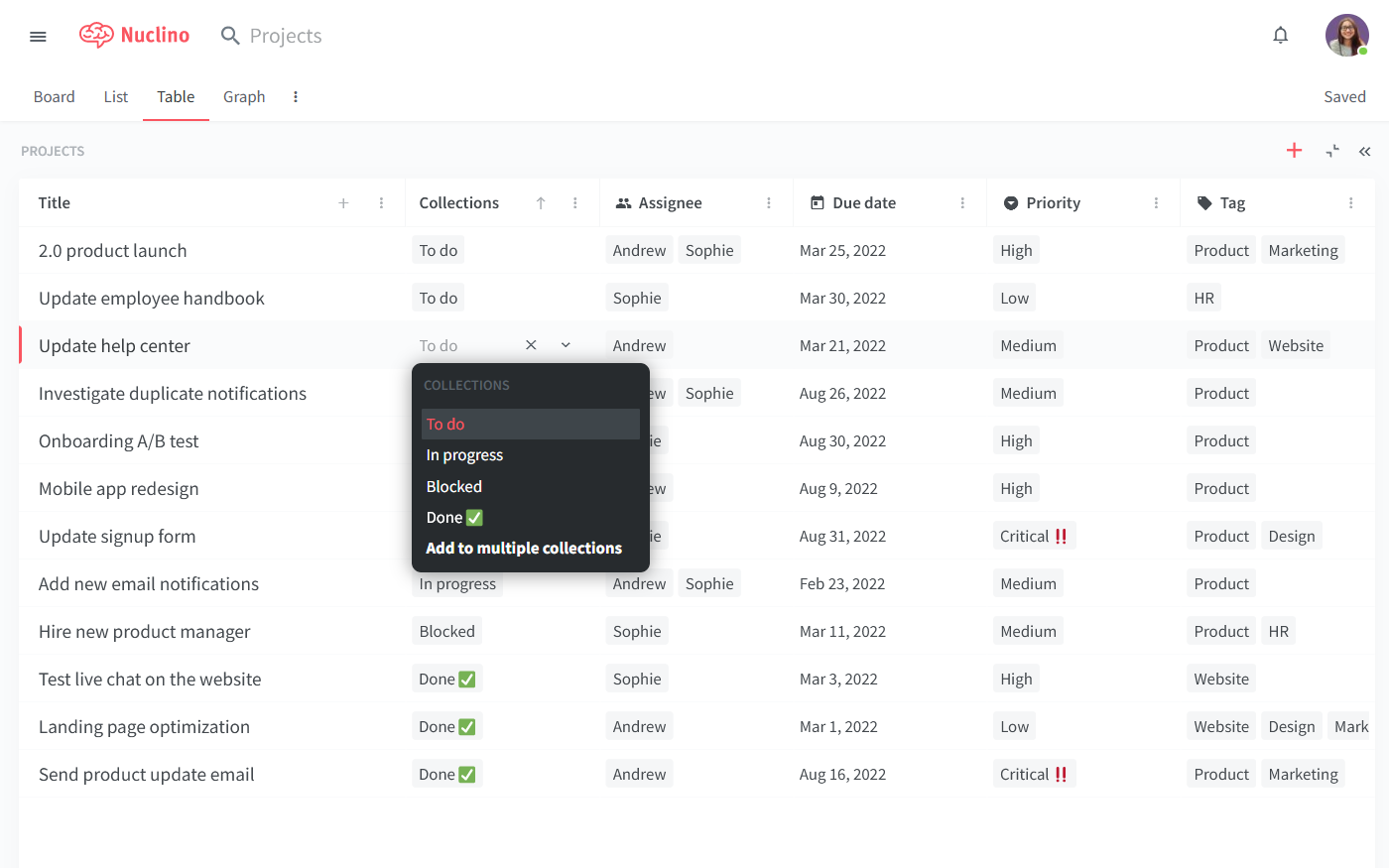
Credit: www.nuclino.com
Frequently Asked Questions
Is There Anything Better Than Clickup?
Several tools rival ClickUp depending on needs: Monday. com excels in visuals, Asana in simplicity, Notion in customization, Wrike for complex projects, and Trello for Kanban boards. The best alternative depends on your team’s workflow, project complexity, and preferred interface style.
Is Clickup Really Better Than Jira?
ClickUp offers an all-in-one platform with flexible features, ideal for various teams. Jira excels in agile development and complex workflows. Choose ClickUp for versatility and collaboration; pick Jira for detailed software project management. The best tool depends on your team’s specific needs and workflow style.
Why Is The Linear App So Good?
The Linear app excels with its fast, intuitive interface and seamless issue tracking. It boosts team productivity through automation and clear workflows. Its integration with popular tools and real-time collaboration makes project management efficient and simple.
Does Clickup Integrate With Linear?
ClickUp does not offer a direct integration with Linear. Users can connect them using third-party tools like Zapier.
Conclusion
Choosing between Linear and ClickUp depends on your team’s needs and style. Linear offers simplicity and speed for developers focused on issue tracking. ClickUp provides a broader range of tools for managing projects, tasks, and time in one place. Teams wanting flexibility and integration might prefer ClickUp’s features. Visit ClickUp to explore how it fits your workflow. Both platforms help improve productivity, so pick the one that works best for your projects and team size.