Todoist Vs Clickup: Ultimate Battle for Productivity Supremacy
Are you struggling to choose between Todoist and ClickUp for managing your tasks and projects? Both tools promise to boost your productivity, but which one truly fits your style and needs?
Whether you want simple task tracking or a powerful all-in-one workspace, this comparison will help you decide. You’ll discover the strengths and weaknesses of each app so you can work smarter, save time, and keep everything organized without stress. Ready to find out if ClickUp’s AI-driven, all-in-one platform is the game-changer you need? Check it out here: ClickUp. Keep reading to see how Todoist stacks up and which tool will transform your workflow for good.
Credit: www.todoist.com
Introduction To Todoist And Clickup
Choosing the right productivity tool depends on the user’s needs and team size. Todoist and ClickUp serve different purposes. Understanding their strengths helps pick the best option. This section explains who benefits most from each tool and the situations where they excel.
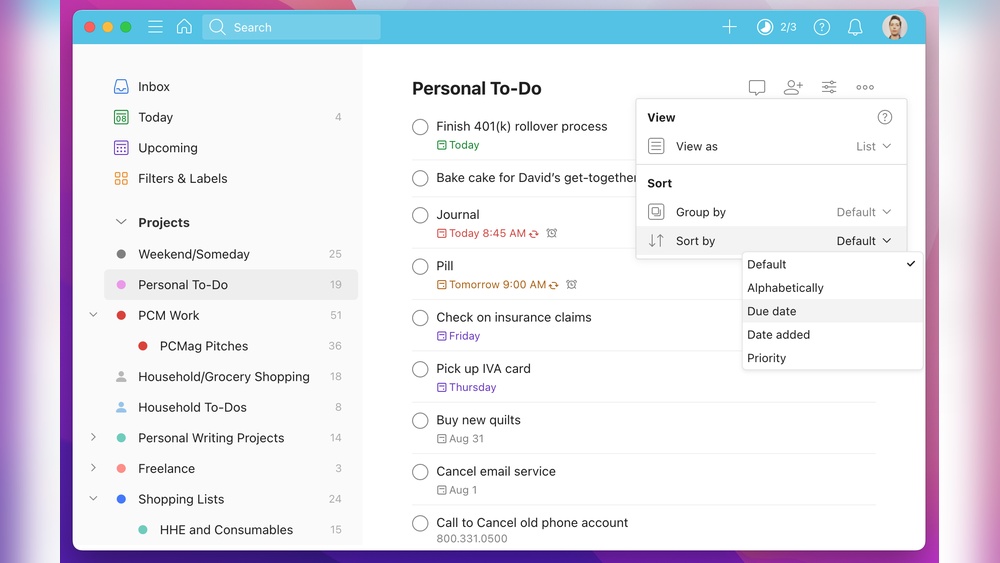
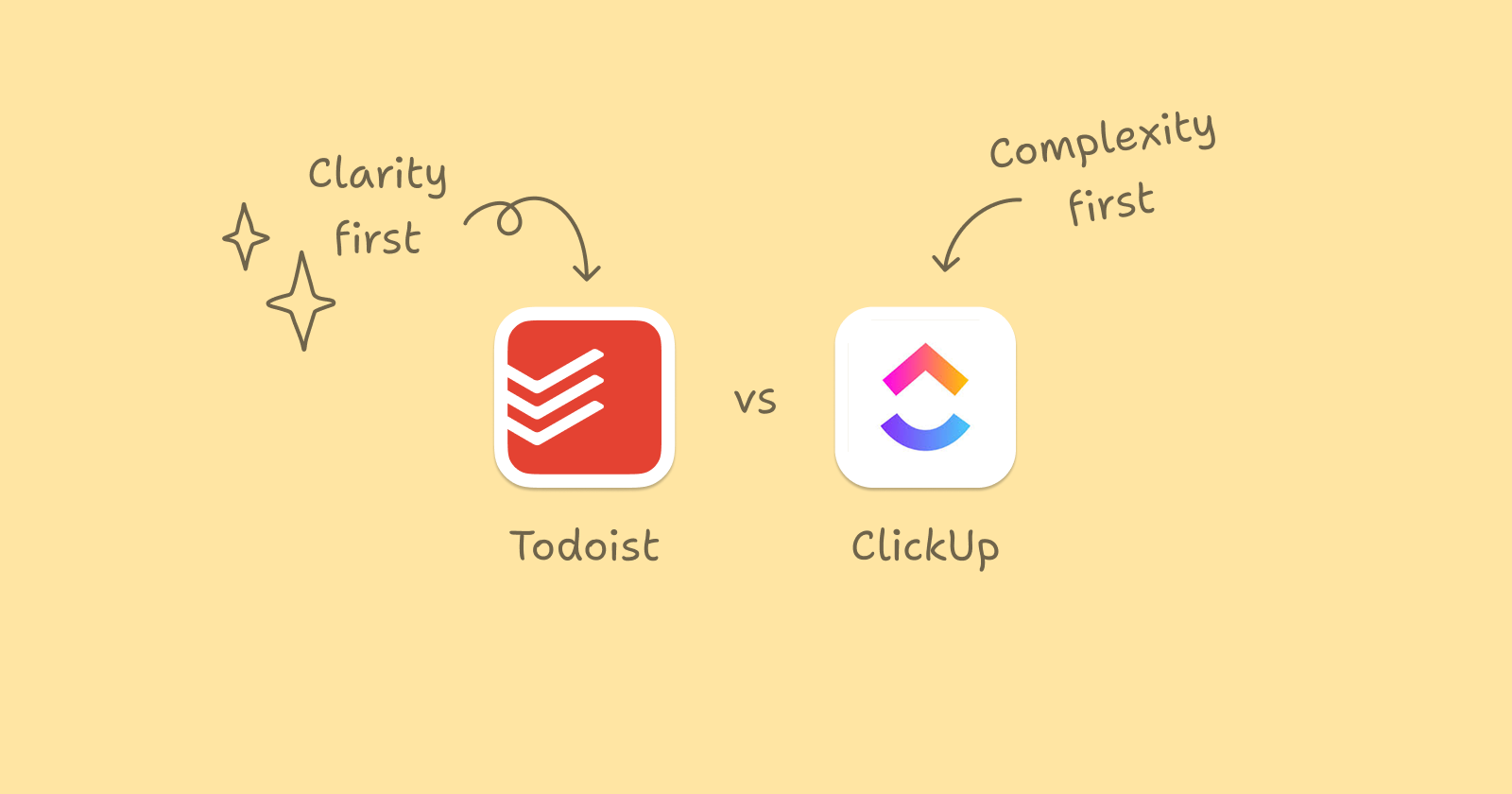
Who Should Choose Todoist: Individual Users And Simple Task Management
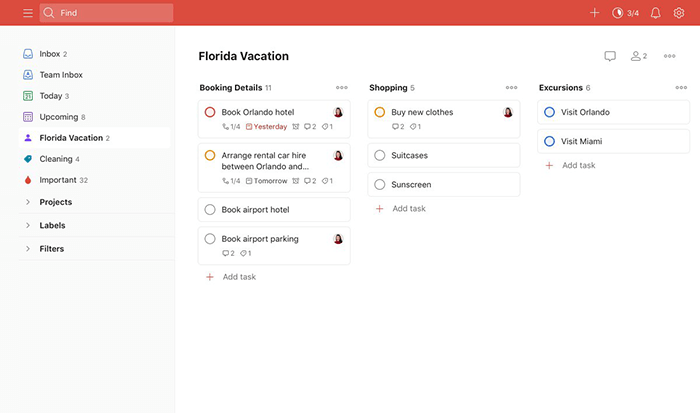
Todoist fits perfectly for individuals or small groups focused on straightforward task tracking.
- People managing daily personal tasks or simple work to-do lists.
- Users who want a clean, easy-to-use interface without many complex features.
- Those preferring a mobile-friendly app to quickly add and check off tasks.
- Individuals needing basic reminders, labels, and priority flags.
Todoist offers fast task entry and simple organization. It works well for users who want minimal setup and quick results.
Who Benefits Most From Clickup: Teams Needing Complex Project Management
ClickUp is ideal for teams managing detailed projects with many moving parts.
- Teams requiring task dependencies, timelines, and multiple project views.
- Users who benefit from integrated chat, docs, and AI tools in one platform.
- Companies needing customizable workflows and automation to save time.
- Project managers who want in-depth reporting and progress tracking.
ClickUp supports collaboration and context sharing across teams. It works well for complex projects with many contributors.
Scenarios Where Each Tool Excels
| Scenario | Todoist | ClickUp |
|---|---|---|
| Simple Task Lists | Easy task entry and quick completion tracking. | Possible but may feel too complex. |
| Personal Productivity | Great for managing daily habits and reminders. | Overkill for simple personal use. |
| Small Team Collaboration | Works for light coordination and shared tasks. | Better for detailed roles and responsibilities. |
| Complex Project Management | Limited features for dependencies or automation. | Robust tools for timelines, goals, and automation. |
| Integrated Communication | No built-in chat or docs. | Includes chat, docs, and AI-powered assistance. |
Credit: www.nuclino.com

Credit: www.reddit.com
Frequently Asked Questions
Is There Anything Better Than Clickup?
Several tools like Monday. com, Asana, Notion, Trello, Wrike, and Smartsheet offer alternatives to ClickUp. Each excels in different areas such as visual workflows, simplicity, customization, or complex project management. The best option depends on your team’s specific needs and preferences.
What Is The 1/3/5 Rule In Todoist?
The 1/3/5 rule in Todoist limits daily tasks to 1 big, 3 medium, and 5 small items. It boosts focus and productivity.
What Are The Cons Of Clickup?
ClickUp has a steep learning curve and a complex interface that can overwhelm users. Its mobile app often suffers from bugs and synchronization issues. Performance may slow with heavy use, and search and AI features can be sluggish, impacting overall user experience.
Is Todoist Adhd Friendly?
Todoist supports ADHD users with simple design, task prioritization, and reminders. Its clean interface reduces distractions and boosts focus effectively.
Conclusion
Both Todoist and ClickUp offer useful tools for task management. Todoist is simple and easy to use for personal tasks. ClickUp provides more features for teams and projects. Consider your needs and workflow before choosing. For those wanting an all-in-one platform with AI support, ClickUp can save time and money. Try each app to see which fits best. Productivity improves when tools match your style and goals. Choose wisely to manage tasks and projects effectively.