Nirvana Vs Todoist: Ultimate Battle for Task Mastery
Are you struggling to find the perfect productivity app that fits your style? When it comes to managing tasks and staying organized, both Nirvana and Todoist have their loyal fans—but which one truly deserves your attention?
You want clarity and simplicity, but also features that keep you on track without overwhelming you. We’ll break down the key differences between Nirvana and Todoist, so you can decide which tool will help you take control of your to-do list and boost your productivity starting now. Keep reading to discover which app aligns better with your needs and how to make your daily workflow smoother than ever.

Credit: www.reddit.com
Introduction To Nirvana And Todoist
Task management tools help organize work and life. Choosing the right app matters. Nirvana and Todoist are popular options. Both aim to improve productivity but serve different needs. Understanding their features guides better choices.
Overview Of Nirvana: Purpose And Target Audience
Nirvana is built around the Getting Things Done (GTD) method. It focuses on task clarity and mental ease. The app suits users who want a calm, focused system. It targets productivity enthusiasts and GTD followers.
Key features include:
- Simple interface with clear task organization
- Support for recurring tasks, though with some limitations
- Focus on prioritizing and reviewing tasks regularly
- Designed for users who prefer minimal distractions
Nirvana works best for those who prefer a calm, minimal app to track tasks and projects.
Overview Of Todoist: Purpose And Target Audience
Todoist is a widely used to-do list app with over 50 million users. Its goal is to bring clarity and simplicity to task management. The app fits both casual users and professionals.
Important features include:
- Easy task entry with natural language input
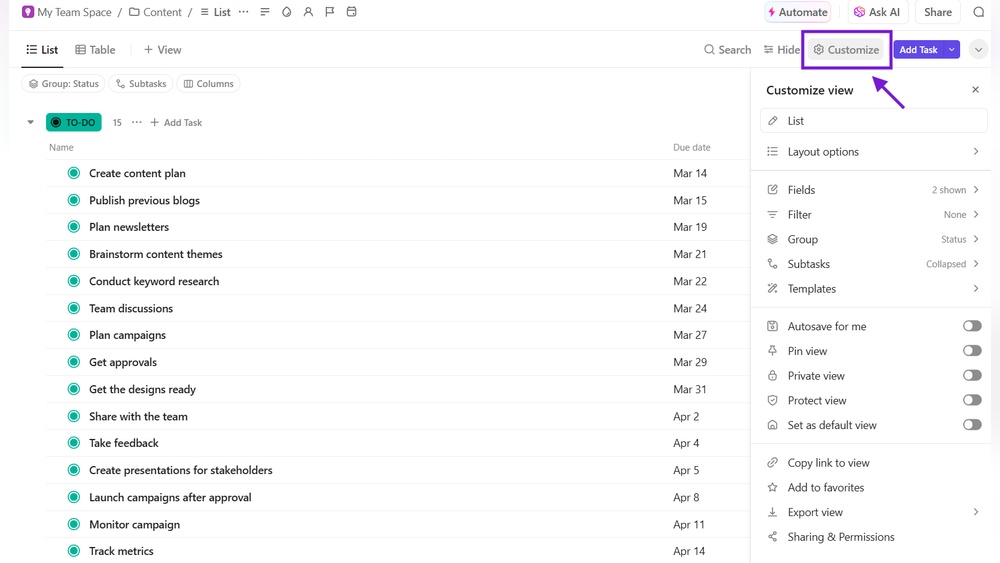
- Visual organization with projects, labels, and filters
- Reminders, calendar view, and task durations
- Supports breaking down complex tasks into smaller steps
- Works well for people with ADHD due to its structured yet flexible design
Todoist suits users who want a powerful yet simple planner for daily and work tasks.
Why Compare Nirvana And Todoist? Understanding Task Mastery
Both apps help users manage tasks but with different approaches. Comparing them reveals strengths and weaknesses for task mastery. Key points include:
- Task organization: Nirvana uses GTD principles; Todoist offers flexible labels and filters.
- User experience: Nirvana focuses on minimalism; Todoist provides rich features.
- Target audience: Nirvana fits GTD users; Todoist fits a wider audience including ADHD users.
Knowing these differences helps choose the right tool to improve focus and productivity.
Key Features Of Nirvana And Their Benefits
Todoist offers a powerful set of features designed to simplify task management. It helps users stay organized, focused, and productive every day. These features suit a wide range of needs, from quick task capture to detailed planning. The app’s design supports routines and reduces mental clutter, making it easier to manage work and life.
Flexible Task Management And Natural Language Input: Quick Capture And Ease Of Use
Todoist allows users to add tasks instantly using natural language input. You can type phrases like “Meeting tomorrow at 9am” and the app sets the task and date automatically.
- Quickly add new tasks without navigating menus
- Set due dates, priorities, and projects using simple text
- Supports task comments and attachments for added context
This speed and ease of use make task capture simple and reduce time spent organizing.
Visual Organization: Filters, Labels, And Calendar Views For Better Focus
Todoist’s visual tools help users find and focus on tasks easily. Filters and labels let you categorize tasks by project, priority, or context.
| Feature | Description | Benefit |
|---|---|---|
| Filters | Custom views based on task attributes | See only what matters right now |
| Labels | Tag tasks by type or context | Group similar tasks for better planning |
| Calendar View | Visual timeline of tasks and deadlines | Plan your week with clear deadlines |
These tools reduce overwhelm and help maintain focus on priorities.
Reminders, Recurring Tasks, And Task Breakdown: Supporting Routines And Manageability
Todoist supports reminders that alert users about important deadlines. Recurring tasks repeat automatically based on your schedule, keeping routines consistent.
- Set daily, weekly, or custom repeating tasks
- Break big tasks into subtasks for easier progress
- Adjust reminders to fit your personal workflow
These features make managing complex projects and routines less stressful and more reliable.
Adhd-friendly Design: Reducing Cognitive Load And Enhancing Executive Function
Todoist’s clean interface and clear structure help reduce mental clutter. Its flexible system supports executive function, which is often challenging for ADHD users.
- Fast task entry lowers barriers to capture ideas
- Visual organization improves task clarity
- Reminders and recurring tasks support memory and routines
These elements help users with ADHD stay on track and manage tasks effectively.
Customization And Integrations: Tailoring Productivity To Individual Needs
Todoist adapts to different workflows through extensive customization and integrations.
- Choose from multiple themes and views for a personal look
- Integrate with tools like Google Calendar, Slack, and more
- Use automation tools to connect Todoist with other apps
This flexibility allows users to build a productivity system that fits their unique needs.
Key Features Of Todoist And Their Benefits
Choosing between Nirvana and Todoist depends on your style and needs. Each app fits different types of users and scenarios. Understanding who benefits most from each helps pick the right tool.
Who Should Choose Nirvana? Gtd Purists And Focused Workflow Users
Nirvana suits users who follow the Getting Things Done (GTD) method closely. It offers a clean, focused interface that supports GTD’s core workflow.
- Best for users who want strict task management based on GTD principles.
- Ideal for those who prefer simple views without many distractions.
- Supports task contexts, projects, and a clear “Next Actions” focus.
- Good for users who want to maintain focus on priority tasks.
Note: Nirvana’s recurring task handling may frustrate users who miss scheduled days.
Who Should Choose Todoist? Versatile Task Managers And Adhd Users
Todoist works well for diverse users needing flexible task management. It is especially helpful for people with ADHD due to its structure and ease of use.
- Great for users who want a versatile to-do app for work and life.
- Helps ADHD users with quick task capture and clear visual organization.
- Supports reminders, natural language input, and breaking tasks into small steps.
- Offers calendar view, task durations, and themes for customization.
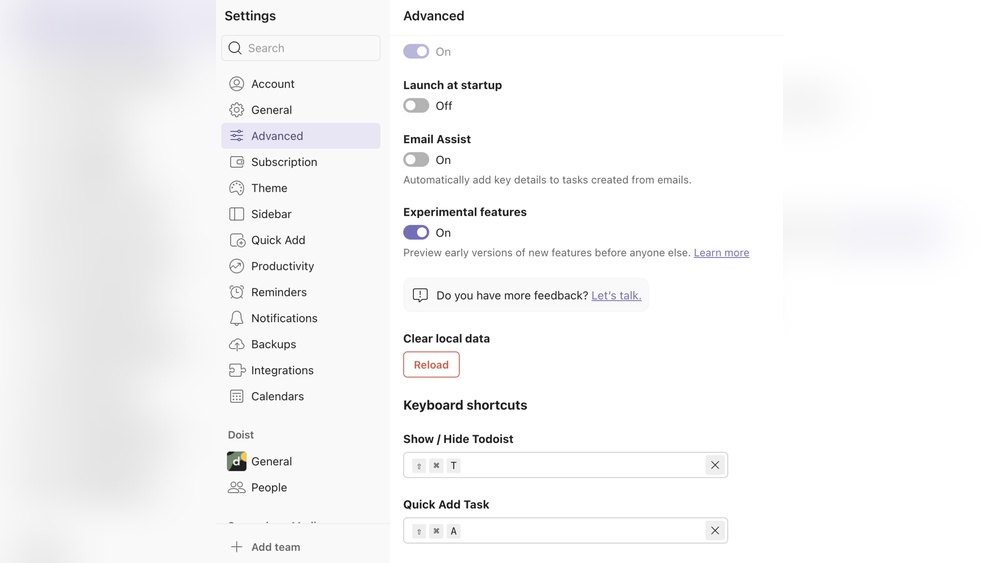
- Automatic backups protect task data.
Scenario-based Recommendations: Work, Life, And Complex Project Management
| Scenario | Best Choice | Reason |
|---|---|---|
| Simple Task Tracking | Nirvana | Focused GTD workflow keeps tasks clear and prioritized. |
| Complex Projects | Todoist | Flexible project labels, subtasks, and reminders aid management. |
| Work and Life Balance | Todoist | Versatile features support both personal and professional tasks. |
| Users with ADHD | Todoist | Intuitive design and task breakdown reduce overwhelm. |
| Strict GTD Practitioners | Nirvana | Adheres closely to GTD methodology without extra distractions. |
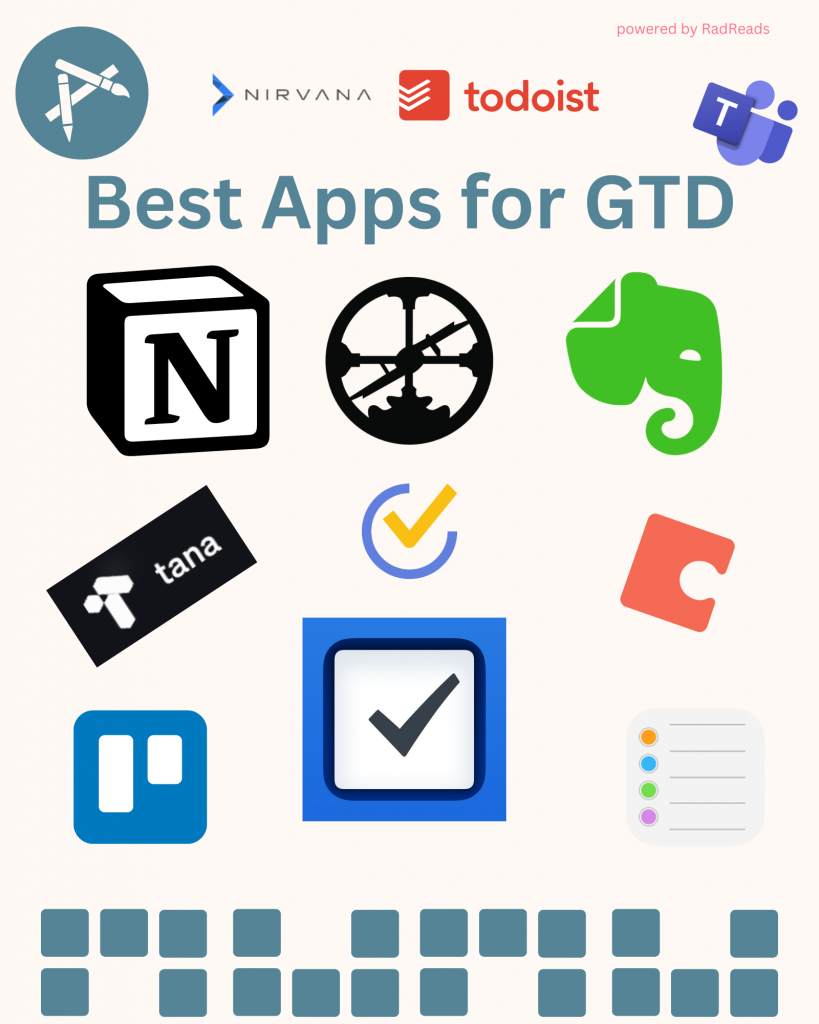
Credit: www.khehy.com

Credit: noisydeadlines.net
Frequently Asked Questions
Is The Nirvana App Good For Productivity?
The Nirvana app supports productivity with task organization and GTD methods. Some users find its recurring task feature limiting. It suits those who prefer simple, focused task management but may frustrate users needing advanced repeat task control. Overall, Nirvana helps boost productivity for many users.
Is Todoist Still Worth It?
Todoist remains worth it for users needing a simple yet powerful task manager. Its features boost productivity and organization effectively.
Is Todoist Adhd Friendly?
Yes, Todoist suits ADHD well. It offers quick task capture, visual clarity, reminders, and task breakdowns to reduce overwhelm and boost focus. Its simple design supports routines and flexible planning, helping manage executive function and maintain consistency without distractions.
What Are The Alternatives To The Nirvana App?
Alternatives to Nirvana app include Todoist, Microsoft To Do, Trello, Asana, and TickTick. These apps offer task management, reminders, and project organization features. Choose based on your productivity style and needed tools.
Conclusion
Choosing between Nirvana and Todoist depends on your task needs. Nirvana suits those who follow strict GTD methods. Todoist offers flexible features and easy task management. It supports reminders, subtasks, and calendar views well. Many find Todoist helpful for focus and routine building. It works nicely for simple and complex task lists. Check out Todoist to see if it fits your style. Both apps aim to bring clarity and order to your day. Pick the one that helps you stay organized best.