Clickup Vs Microsoft Teams: Ultimate Productivity Showdown 2026
Trying to decide between ClickUp and Microsoft Teams for your team’s workflow? You’re not alone.
Both tools promise to boost your productivity, but which one truly fits your needs? Whether you want to save money by replacing multiple apps or need seamless collaboration with AI-powered project management, this comparison will help you make an informed choice. Stick around as we break down their strengths, weaknesses, and what you can expect from each platform. Ready to discover if ClickUp could be the all-in-one solution your team has been searching for? Let’s dive in!
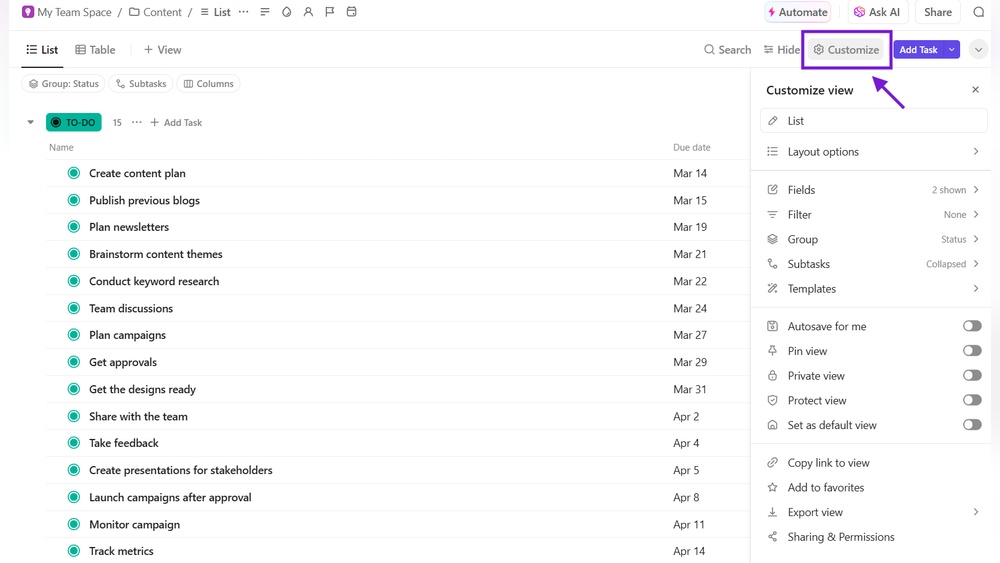
Credit: help.clickup.com
Introduction To Clickup And Microsoft Teams
ClickUp and Microsoft Teams are two popular tools designed to improve team work. Both offer unique features that help organizations manage tasks and communication. Understanding their differences helps businesses choose the right platform for 2026.
Overview Of Clickup: Purpose And Core Functions
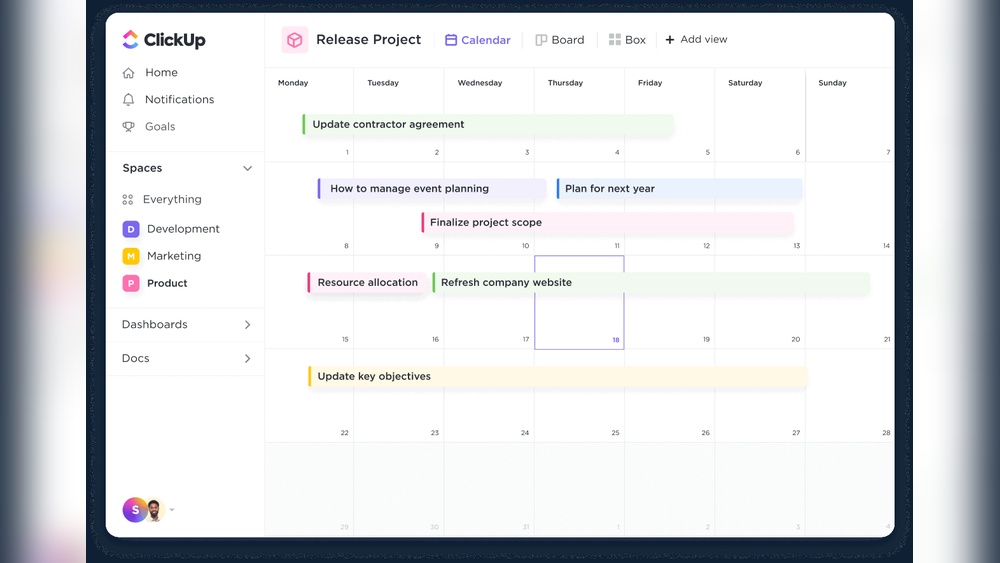
ClickUp is an all-in-one project management and productivity platform. It aims to replace multiple apps by combining tasks, docs, chat, and AI tools in one place.
- Task management with customizable views (list, board, calendar)
- Built-in chat and collaboration features
- AI-powered automation and smart suggestions
- Document creation and sharing
- Goal tracking and time management
ClickUp helps teams save time and money by uniting all work tools under one roof. It supports complex projects but may feel overwhelming for new users due to many features.
Overview Of Microsoft Teams: Purpose And Core Functions
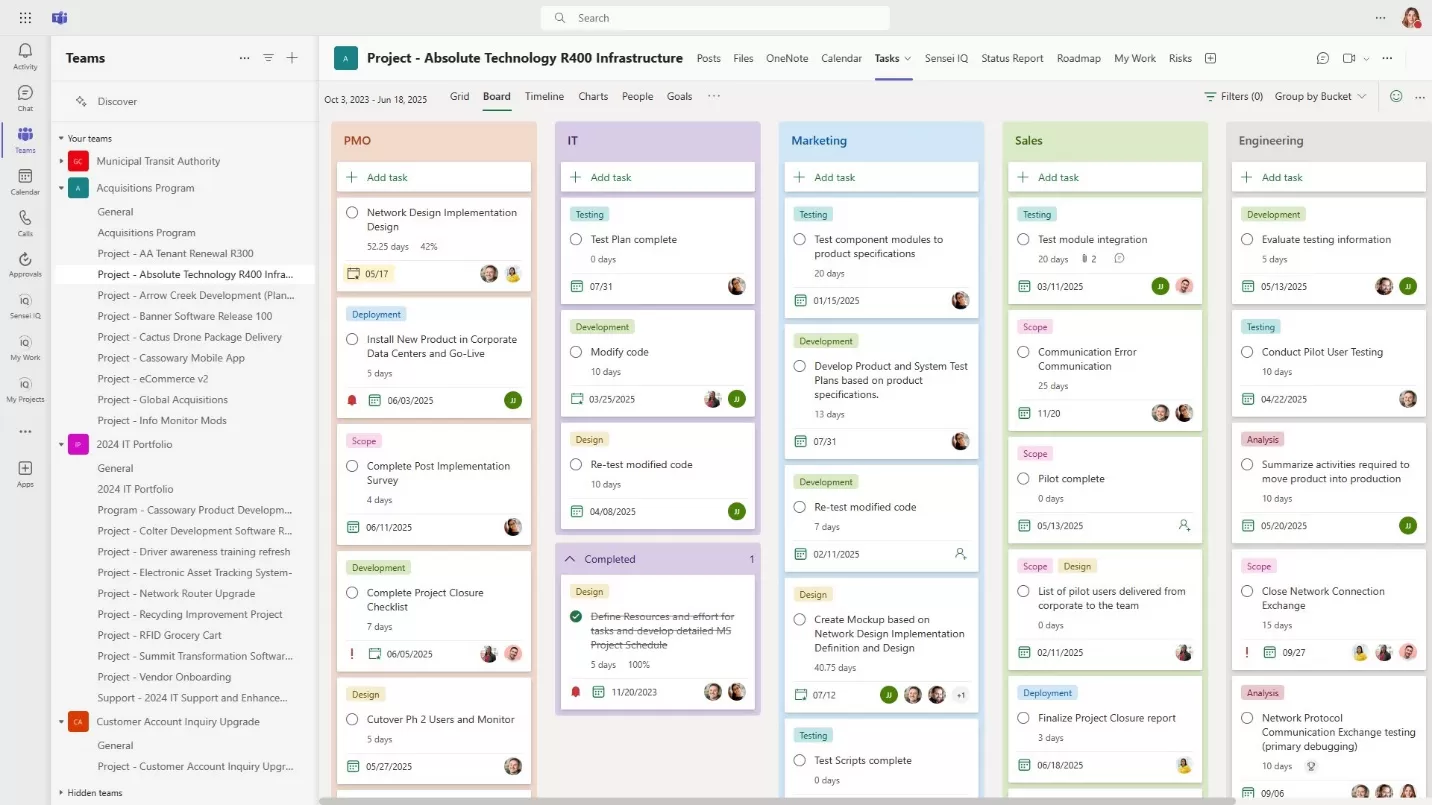
Microsoft Teams is a communication and collaboration platform built for workplace chat, meetings, and file sharing. It integrates deeply with Microsoft 365 apps.
- Real-time chat and video conferencing
- File sharing and collaborative document editing
- Integration with Outlook, Word, Excel, and SharePoint
- Channels to organize team conversations
- Task and project management via integrated apps like Planner
Microsoft Teams focuses on seamless communication and office productivity, especially for organizations already using Microsoft products.
Why Compare Clickup And Microsoft Teams In 2026?
Both tools aim to improve team efficiency but with different approaches. ClickUp combines many functions in one platform. Microsoft Teams centers on communication and integrates with office apps.
Choosing the right tool depends on team size, workflows, and software ecosystem. This comparison helps teams decide which platform fits their needs for the coming year.
| Aspect | ClickUp | Microsoft Teams |
|---|---|---|
| Main Focus | Project management and productivity | Communication and collaboration |
| Best For | Complex workflows and task tracking | Teams using Microsoft 365 ecosystem |
| Core Features | Tasks, docs, chat, AI tools | Chat, video meetings, file sharing |
Credit: www.2tolead.com

Credit: www.youtube.com
Frequently Asked Questions
How Does Clickup Compare To Microsoft Teams?
ClickUp focuses on task management with extensive customization, while Microsoft Teams excels in communication and collaboration. ClickUp offers advanced project tracking; Teams provides integrated chat, video, and file sharing. Choose ClickUp for detailed workflows; select Teams for seamless team communication.
What Are The Cons Of Clickup?
ClickUp has a steep learning curve and complex interface that may overwhelm users. It often suffers from slow performance, buggy mobile app, inconsistent syncing, slow search, limited niche integrations, and occasional poor customer support.
Is Teams Being Phased Out?
Microsoft Teams is not being phased out. Microsoft continues to update and support Teams as a key collaboration tool.
Is There Anything Better Than Clickup?
Some alternatives like Asana, Monday. com, and Microsoft Teams offer simpler interfaces or better integrations. It depends on your specific needs and preferences.
Conclusion
Choosing between ClickUp and Microsoft Teams depends on your team’s needs. ClickUp offers many features for project management and AI tools. Microsoft Teams excels in communication and easy collaboration. Some find ClickUp’s interface complex and the mobile app slow. Teams provides smoother chat and video calls but fewer project tools. Consider what matters most: task tracking or team communication. Explore ClickUp’s features and decide if it fits your workflow. Learn more about ClickUp here before making your choice.