Clickup Vs Calendly: Ultimate Comparison for Productivity Boost
Are you trying to decide between ClickUp and Calendly for managing your time and tasks? Both tools promise to make your work life easier, but they serve different purposes—and knowing which fits your needs can save you hours of frustration.
Imagine having one platform that not only schedules your meetings but also helps you organize projects, chat with your team, and use AI to boost your productivity. That’s exactly what ClickUp offers. On the other hand, Calendly is known for its simple, effective scheduling capabilities. So, which one is right for you? Keep reading to find out how these two giants stack up, so you can choose the perfect tool to streamline your workflow and reclaim your valuable time.

Credit: reclaim.ai
Introduction To Clickup And Calendly
Choosing the right tool can shape your daily workflow. ClickUp and Calendly serve distinct but important roles in managing tasks and time. Understanding their purposes helps you decide which fits your needs best.
Overview Of Clickup: Purpose And Core Functions
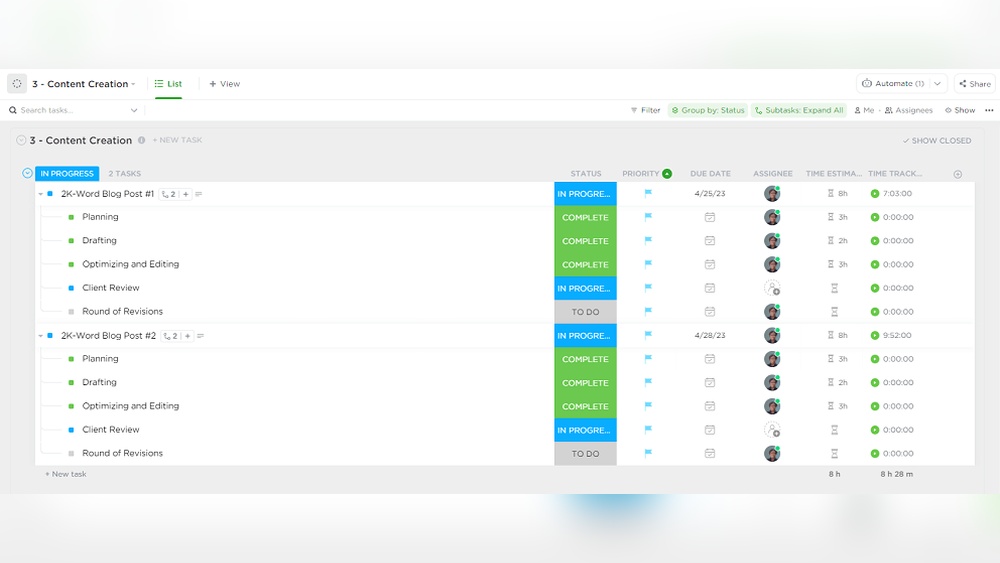
ClickUp is an all-in-one productivity platform. It aims to replace multiple software by combining apps, AI, projects, and chat into one system.
- Project Management: Organize and track tasks efficiently.
- Collaboration: Team chat and shared workspace.
- AI Assistance: Automate routine tasks and improve context.
- Multi-Tool Integration: Combines over 20 apps in one platform.
This platform helps teams save money and time by reducing the need for many separate tools.
Overview Of Calendly: Purpose And Core Functions
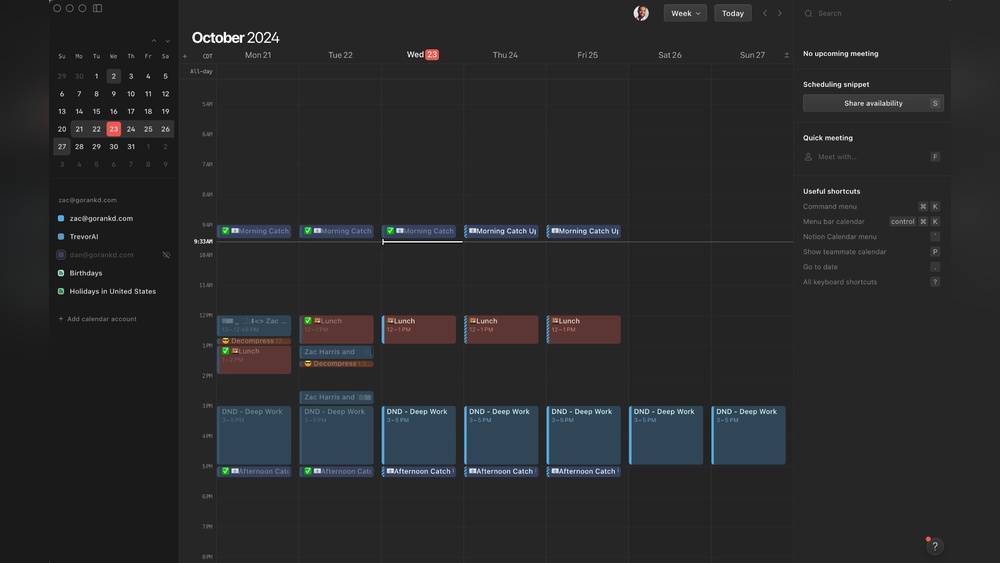
Calendly is a scheduling tool focused on simplifying meeting bookings. It reduces back-and-forth emails by automating time selection.
- Meeting Scheduling: Easy appointment setup with available time slots.
- Calendar Sync: Works with Google, Outlook, and other calendars.
- Automated Reminders: Sends notifications to reduce no-shows.
- Customizable Availability: Set preferred meeting hours.
Calendly is designed to help individuals and teams save time managing appointments.
Why Comparing Clickup And Calendly Matters For Productivity
Both tools improve productivity but in different ways.
- ClickUp focuses on managing projects and team tasks.
- Calendly simplifies scheduling and meeting coordination.
- Choosing the right tool depends on your main productivity challenge.
- Understanding their strengths helps streamline daily work.
- Some users may even benefit from using both tools together.
Key Features That Set Clickup Apart
Pricing plays a key role in choosing between ClickUp and Calendly. Both offer plans for individuals and teams. Understanding costs helps decide which tool fits your budget and needs. This section breaks down their pricing structures and value.
Clickup Pricing Plans And Value For Money
ClickUp offers multiple pricing options to suit various users:
| Plan | Price (per user/month) | Key Features |
|---|---|---|
| Free | $0 | Unlimited tasks, 100MB storage, 2FA |
| Unlimited | $5 | Unlimited storage, integrations, dashboards |
| Business | $12 | Advanced reporting, goals, workload management |
| Enterprise | Custom pricing | Custom features, support, and security |
ClickUp’s free plan is generous for basic needs. Paid plans offer rich features at competitive prices. Its all-in-one approach can reduce costs by replacing multiple apps.
Calendly Pricing Tiers And Cost-effectiveness
Calendly focuses on scheduling with plans designed for individuals and teams:
| Plan | Price (per user/month) | Key Features |
|---|---|---|
| Basic | $0 | One event type, basic integrations |
| Essentials | $10 | Multiple event types, reminders, notifications |
| Professional | $15 | Custom branding, metrics, integrations |
| Teams | $20 | Team scheduling, workflows, advanced integrations |
Calendly’s pricing suits those needing simple or advanced scheduling. The free plan supports basic use. Higher tiers unlock enhanced automation and team features.
Which Tool Offers Better Roi For Different User Types?
- Individuals: ClickUp’s free plan offers broad capabilities beyond scheduling. Calendly’s free plan is enough for basic appointments.
- Small Teams: ClickUp’s Unlimited plan combines project management and scheduling, saving money on multiple tools.
- Large Teams: Calendly’s Teams plan suits those focused on complex scheduling with workflows and integrations.
- Businesses Needing All-in-One: ClickUp offers better value by replacing several apps, lowering overall costs.
Consider the main tasks you want to perform. ClickUp provides a wider range of tools for the price. Calendly is more cost-effective for pure scheduling needs.
Key Features That Make Calendly Unique
Choosing between ClickUp and Calendly depends on practical needs. Both tools offer unique strengths but also show limitations in daily use. Understanding these aspects helps users pick the right software for their workflow and scheduling requirements.
Strengths And Limitations Of Clickup In Practical Use
ClickUp is a powerful project management platform with many features packed in one tool. Users appreciate its ability to replace multiple apps by combining AI, project tracking, chat, and collaboration in a single place.
- Strengths:
- All-in-one platform for projects and communication
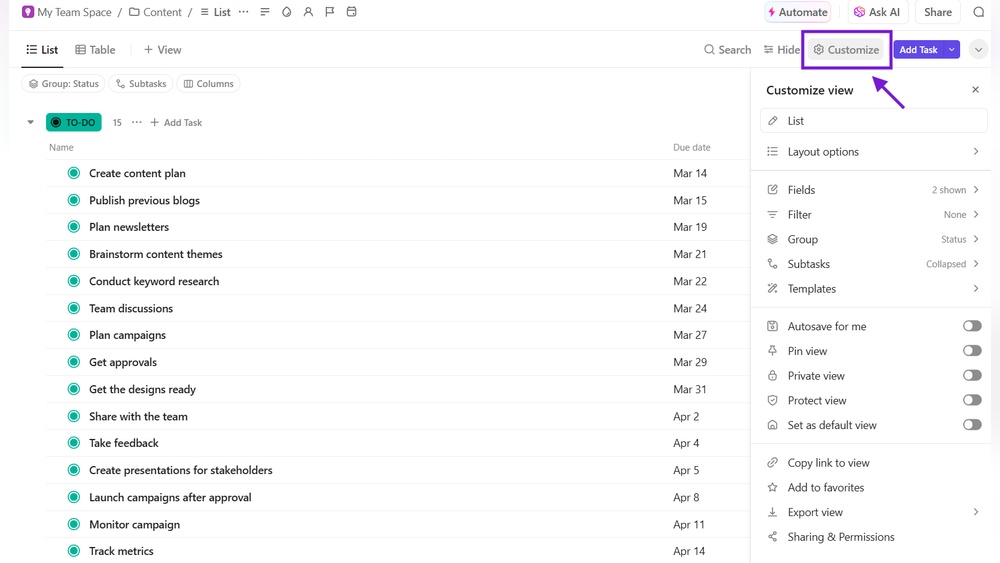
- Customizable workflows and task views
- Supports team collaboration with context-aware tools
- Limitations:
- Sometimes slow performance, especially on complex projects
- Mobile app bugs reduce smooth usage
- Customer support often reported as slow or unhelpful
Advantages And Drawbacks Of Using Calendly
Calendly focuses on simple, efficient scheduling. It excels at booking meetings without back-and-forth emails. Its straightforward interface suits users needing quick appointment setting.
| Advantages | Drawbacks |
|---|---|
|
|
User Feedback Highlights And Common Challenges
Users of both tools share insights that reveal real-world challenges. Feedback points to strengths but also recurring issues.
- ClickUp users praise its versatility but complain about a steep learning curve.
- The mobile experience in ClickUp sometimes disrupts workflow due to bugs.
- Calendly receives high marks for simplicity but lacks deeper task management.
- Some users find Calendly’s free tier too limited for frequent scheduling needs.
- Support responsiveness is a concern for ClickUp users more than for Calendly.
Choosing the right tool depends on balancing these pros and cons against specific work demands.

Credit: calendly.com
Pricing And Affordability Comparison
Choosing the right tool depends on specific needs and workflows. Both ClickUp and Calendly serve distinct purposes and excel in different areas. Understanding their ideal use cases helps in making the best choice for productivity and scheduling.
Who Should Choose Clickup And Why
ClickUp is perfect for users needing an all-in-one project management solution. It fits teams and individuals who want to manage tasks, projects, and communication within one platform.
- Teams managing complex projects with multiple tasks
- Users who want integrated chat, docs, and AI tools
- Businesses aiming to replace many apps with one tool
- Those needing customizable workflows and detailed task tracking
Its strength lies in consolidating work and saving time by keeping everything in one place. The platform supports collaboration and context sharing across teams.
Best Scenarios For Calendly Adoption
Calendly excels at simplifying appointment scheduling. It is ideal for users who want to automate meeting bookings without back-and-forth emails.
- Freelancers and consultants managing client meetings
- Sales teams scheduling demos and calls efficiently
- Customer support or service teams booking time slots
- Individuals looking for a hassle-free scheduling tool
Calendly integrates well with calendars and helps avoid double bookings. It focuses purely on scheduling, making it simple and fast to use.
When Using Both Tools Together Makes Sense
Using ClickUp and Calendly together can improve productivity for teams needing both project management and smooth scheduling.
- Schedule meetings with Calendly to save time on booking.
- Manage tasks and projects in ClickUp with clear deadlines.
- Link Calendly events to ClickUp tasks for context.
- Use ClickUp’s collaboration features after meetings scheduled via Calendly.
This combination suits teams juggling projects and frequent meetings, ensuring no detail is missed. Both tools together create a balanced workflow for managing time and tasks efficiently.
Pros And Cons Based On Real-world Usage
Choosing between ClickUp and Calendly depends on your unique needs. Both tools enhance productivity but serve different purposes. ClickUp offers an all-in-one workspace for projects, tasks, and team collaboration. Calendly focuses on simplifying scheduling and managing meetings. Understanding their strengths helps you pick the right tool or combine both for maximum efficiency.
Summarizing Key Differences And Strengths
| Feature | ClickUp | Calendly |
|---|---|---|
| Primary Use | Project management, task tracking, team collaboration | Appointment scheduling, meeting management |
| Core Strengths |
|
|
| Limitations |
|
|
Final Thoughts On Selecting Clickup, Calendly, Or Both
Choose ClickUp if managing projects, tasks, and team communication matters most. It fits users needing a broad productivity platform. The platform can be complex but powerful for organized teams.
Pick Calendly for simple, quick scheduling without extra features. It suits individuals or teams wanting to save time booking meetings and avoid back-and-forth emails.
Using both tools works well too. ClickUp handles projects and tasks, while Calendly manages meetings. This combination covers a wide range of productivity needs without overlap.

Credit: www.youtube.com
Frequently Asked Questions
Can Clickup Replace Calendly?
ClickUp offers scheduling features but lacks Calendly’s specialized meeting automation. It can partly replace Calendly for basic scheduling. For advanced scheduling, Calendly remains superior.
What Are The Cons Of Clickup?
ClickUp can be slow at times and its mobile app has bugs. Users also report inconsistent customer support. Its complexity may overwhelm new users. Some find the interface cluttered and difficult to navigate. Integration options might not suit all workflows.
Is Anything Better Than Calendly?
Some alternatives like Acuity Scheduling and Doodle offer unique features, but Calendly remains top for ease and integration.
Is There Anything Better Than Clickup?
Some prefer simpler tools like Trello or Asana, while others choose Teamwork for client services. It depends on your needs.
Conclusion
Both ClickUp and Calendly serve unique needs in scheduling and project management. Calendly shines in simple meeting scheduling and automation. ClickUp offers broader tools for managing tasks, projects, and teams all in one place. Choose Calendly for straightforward appointment setting. Opt for ClickUp if you want an all-in-one platform to organize work and save time. Visit ClickUp to explore its features and see if it fits your workflow best. Both tools can improve your productivity in different ways.