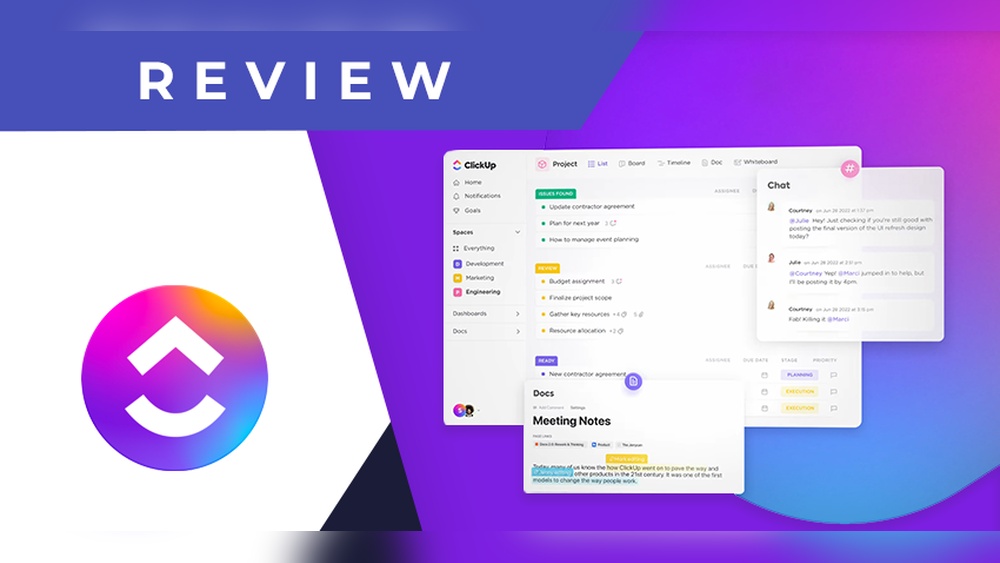
Clickup Chat Review: Ultimate Guide to Boost Team Productivity
Are you tired of juggling multiple apps just to keep your team connected and projects on track? Imagine having a single platform that combines chat, task management, and AI-powered productivity tools—all in one place.
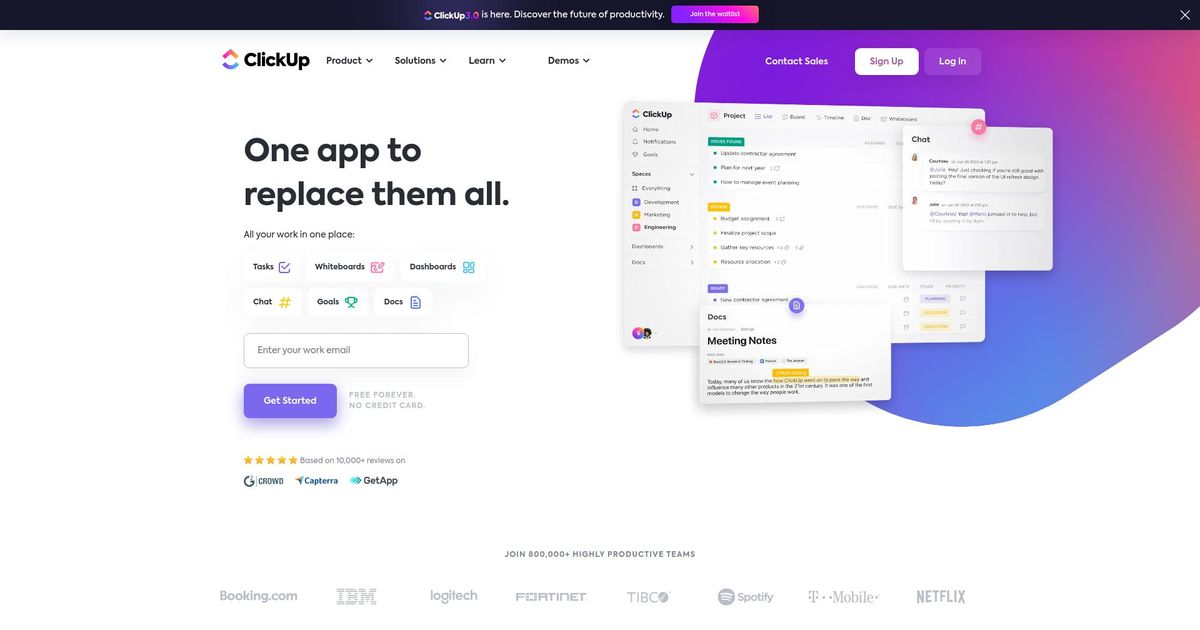
That’s exactly what ClickUp promises with its integrated chat feature designed to replace tools like Slack and Microsoft Teams. But does ClickUp Chat really live up to the hype? In this review, you’ll discover how this all-in-one communication hub can transform your workflow, save you money, and bring your team closer together. Curious to see if ClickUp Chat is the right fit for your needs? Keep reading to find out everything you need to know, including the pros, cons, and whether it’s worth making the switch. Ready to explore ClickUp Chat now? Check it out here: ClickUp
Credit: www.techradar.com
Introduction To Clickup Chat
ClickUp Chat combines powerful messaging tools with project management. It helps teams communicate quickly and stay organized. The chat integrates smoothly with tasks and projects. This creates a single place for teamwork and conversations. Each feature improves collaboration and saves time.
Real-time Messaging: Enhancing Instant Team Communication
ClickUp Chat offers real-time messaging that keeps team members connected instantly. Messages appear immediately, enabling fast decision-making. Quick replies help teams avoid delays and stay productive. Users can chat one-on-one or in groups, making communication flexible.
Seamless Integration With Clickup Tasks And Projects
The chat links directly with ClickUp tasks and projects. Teams can discuss specific tasks right inside the chat. This reduces confusion and keeps conversations relevant. Messages can be tied to projects, ensuring every chat supports task progress.
Customizable Chat Channels For Organized Discussions
Channels in ClickUp Chat are customizable. Teams create channels for different topics or departments. This keeps conversations organized and easy to follow. Users can join or leave channels based on their role or interest. Clear channels help prevent clutter and lost information.
File Sharing And Collaboration Within Chat
ClickUp Chat supports file sharing directly in conversations. Users upload documents, images, and spreadsheets instantly. This feature allows quick feedback and better teamwork. Files stay accessible inside the chat, so no switching apps is needed.
Notifications And Mentions To Keep Teams Aligned
Notifications alert users about important messages and updates. Mentions tag specific team members to get their attention quickly. These features ensure no message is missed. Notifications can be customized to avoid distractions while keeping teams informed.
Chat Toggle Feature: Flexibility To Enable Or Disable Without Losing History
The chat toggle lets users turn chat on or off easily. When disabled, the chat history stays saved. This flexibility suits teams that want to pause conversations without losing data. Users can return to chats anytime and continue where they left off.
Credit: help.clickup.com
Key Features Of Clickup Chat And Their Benefits
ClickUp Chat is part of the broader ClickUp platform, which offers multiple pricing plans. Understanding the pricing and costs helps decide if ClickUp fits your team’s budget. This section breaks down the costs and compares them to standalone chat tools.
Overview Of Clickup’s Pricing Plans Including Chat Access
ClickUp offers several pricing tiers, each including access to ClickUp Chat:
| Plan | Price (per user/month) | Chat Access | Other Features |
|---|---|---|---|
| Free | $0 | Included | Basic task management, limited storage |
| Unlimited | Approx. $5 | Included | Unlimited storage, integrations, dashboards |
| Business | Approx. $12 | Included | Advanced automation, custom permissions |
| Enterprise | Custom pricing | Included | Custom features, dedicated support |
All plans include the core ClickUp Chat feature, making team communication seamless within the platform.
Cost Benefits Compared To Standalone Chat Tools
ClickUp Chat combines messaging with project management tools. This reduces the need to pay for separate chat apps like Slack or Microsoft Teams.
- Single platform: One subscription covers chat, tasks, and project tracking.
- Lower overall costs: No extra fees for basic chat features.
- Better integration: Chat linked directly to tasks and projects.
Choosing ClickUp Chat can save money and simplify software management.
Additional Expenses: Ai Features And Advanced Add-ons
ClickUp offers AI-powered features called ClickUp Brain as add-ons. These include smart task suggestions and automation.
- AI features come at extra cost beyond standard plans.
- Advanced add-ons may increase overall expenses.
- Teams should budget for these if AI tools are needed.
Basic chat functions do not require these add-ons, keeping costs low for standard use.
Assessing Value For Small Teams Vs. Large Enterprises
Small teams benefit from the Free or Unlimited plans. These cover essential chat and project tools at low cost.
Large enterprises may need the Business or Enterprise plans. These offer advanced controls, security, and support but cost more.
- Small teams save by avoiding multiple tools.
- Large teams gain value from customization and scalability.
- Overall, ClickUp Chat’s pricing scales to fit different team sizes.
Pricing And Affordability Of Clickup Chat
ClickUp Chat combines messaging with project management in one platform. It aims to simplify teamwork by replacing multiple tools like Slack and email. The integration with ClickUp’s AI features adds a smart edge to daily tasks. This section breaks down the key benefits and drawbacks, user experience, and advice for teams considering ClickUp Chat.
Summary Of Key Benefits And Drawbacks
| Benefits | Drawbacks |
|---|---|
|
|
Final Thoughts On User Experience And Performance
Users appreciate the all-in-one approach of ClickUp Chat. Having chat and tasks in one place cuts down app switching. The AI helps automate routine actions and saves time.
Some find the interface overwhelming at first. Navigating many features requires patience. Performance can slow on older devices or large projects. Overall, the experience improves with time and familiarity.
Recommendations For Teams Considering Clickup Chat
- Try the free version to explore basic chat and task features.
- Plan training sessions to ease the learning curve.
- Use customization options to tailor workflows to your team’s needs.
- Consider the cost of AI add-ons before upgrading.
- Ensure devices meet performance requirements for smooth use.
Future Outlook And Potential Improvements
ClickUp Chat has room to improve its interface simplicity. Streamlining navigation could help new users adapt faster.
Enhancing app speed and stability remains important. Expanding AI functions without high extra costs would add value.
Ongoing updates may introduce tighter integration with other tools and better mobile performance. These changes could make ClickUp Chat more appealing for all team sizes.

Credit: www.youtube.com
Frequently Asked Questions
What Are The Cons Of Clickup?
ClickUp has a steep learning curve and complex interface that can overwhelm users. It may experience performance lags and crashes with heavy use. The mobile app often has bugs and poor syncing. Search functions can be slow and inaccurate. Customer support and niche integrations are sometimes lacking.
Does Clickup Have A Chat Feature?
Yes, ClickUp has a built-in Chat feature for real-time team communication and collaboration within tasks and projects.
Can Clickup Chat Replace Slack?
ClickUp Chat offers robust collaboration but lacks Slack’s extensive integrations and smoother performance. It suits teams already using ClickUp.
Is Clickup Chat Free?
ClickUp Chat offers free access with its basic plan. Advanced features may require a paid subscription.
Conclusion
ClickUp Chat combines messaging and project tools in one app. It helps teams stay organized and communicate clearly. The AI features add useful support but can be costly. Some users find the interface complex and the app slow at times. Still, it replaces many tools, saving money and effort. For those wanting to try it, check out ClickUp to see if it fits your team’s needs.